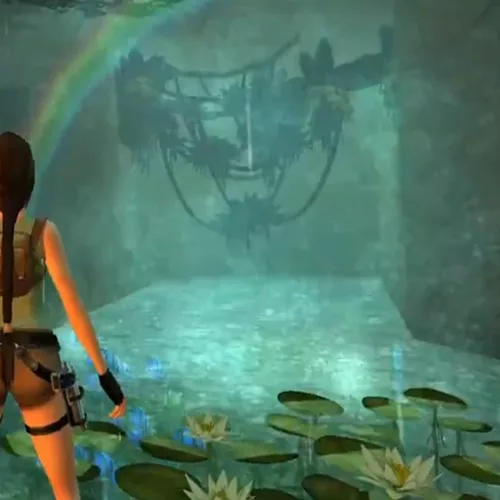
Creates a particle-based waterfall effect. Uses both nullmesh and sprites objects (both included in the download).
WATERFALL_SPRITES use:
#o and #2: Waterfall
#1 and #2: Mist.
Effect Customisation
OCB = Width in clicks.
Color is set in Tomb Editor by changing the object colour.
The higher the density value, the thinner the waterfall, and lower values make a thicker waterfall.
Waterfalls with a width below 5 can have a sparseness factor between 10 (very dense) and 256 (almost no sprites).
Waterfalls with a width above 5 can have a sparseness factor between 80 (it is actually very thick, but it should not be below 80 because of lag) and 256 (low density)
ItemFlag[0]: Adjust x and z velocity (default: 100)
ItemFlag[1]: Adjust waterfall sprite scale (default: 3)
ItemFlag[2]: Adjust the density of the waterfall (default: 120)
ItemFlag[3]: Adjust waterfall mist sprite scale (default: 3)
ItemFlag[4]: Turns default sound (ID 79: TR4_WATERFALL_LOOP) on or off (0 = ON, 1 = OFF)
Set item flags by using a node.
Waterfall can be moved, and rotated for some superb effects.