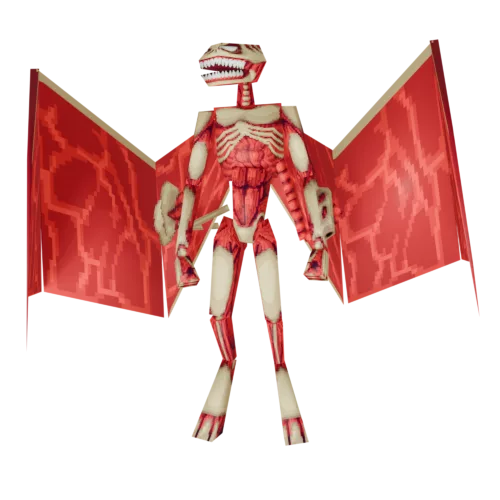
Contains both the winged mutant and the winged mummy. To use the winged mummy, move it from ANIMATING 1 into the WINGED_MUMMY slot.
Both PROJ_SHARD and PROJ_BOMB are also needed.
The Winged Mutant supports six OCB settings. Combine flags by adding their OCB values together.
- OCB 0: Default behaviour. Mutant has wings, can fly, uses both projectile types, and starts in normal idle.
- OCB 1: Begins in flying mode (FLY animation).
- OCB 2: Mutant begins in the INACTIVE state and will not move until provoked.
- OCB 4: Mutant begins in the POSE state.
- OCB 8: Removes wings and disables all flying behaviour.
- OCB 16: Prevents firing shard/dart projectiles.
- OCB 32: Prevents firing bomb/rocket projectiles.