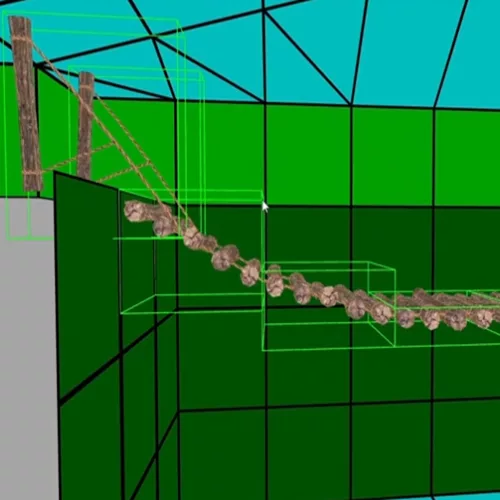
- Use to simulate a walkable and grabbable surface.
- This object can be positioned freely without requiring any specific trigger beneath it. It also can be rotated and adjusted in real-time through Lua. Additionally, any items placed on a moving platform will be transported along with it. The only condition is that pickup must be activated (1-5 bits set in the edit object window or manually activated).
- The surface that the player can stand on is taken from the bridge object’s collision.
BRIDGE_FLAT by default is one block in size and flat.
BRIDGE_TILT1 is one block in size and slopes 1 click.
BRIDGE_TILT2 is one block in size and slopes 2 clicks.