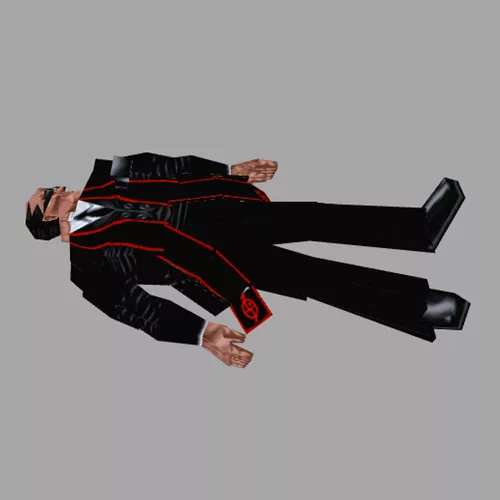
<div>--First, we will create a function for the amendments we want for Marco Bartolli's transformation:</div>
<div>function marcoTransform()</div>
<div>local marco = GetMoveableByName("marco_bartoli_410") -- Get which Marco Bartolli object you are reffering to.</div>
<div>-- The next section is where we are defining 3 different values. The explosion timings are measured in frames:</div>
<div>local explosion1 = 10 -- Explosion 1</div>
<div>local explosion2 = 100 -- Explosion 2</div>
<div>local explosion3 = 120 -- Explosion 3</div>
<div>-- Finally we will change the code to amend for our own timings.</div>
<div>marco:SetItemFlags(explosion1,1)</div>
<div>marco:SetItemFlags(explosion2,2)</div>
<div>marco:SetItemFlags(explosion3,3)</div>
<div>end</div>
<div></div>
<div>-- Now we have the function, we can ask the engine to run it when the player loads the level.</div>
<div>LevelFuncs.OnStart = function()</div>
<div>marcoTransform()</div>
<div>end</div>
<div>-- code: Stranger1992. 19/03/24</div>